It's free right now.
The whole beta is free: no card, no API key, 30 explanations on us.
Select code in Cursor, VS Code or Terminal. Vibe explains it right beside your editor, checks you got it, and keeps the lesson.
Free · No API key · No card
In Claude for Startupsthe new app
A recorded click-through of the app: Today, the library, a quiz, After-Agent Review, Ask Vibe and the ⌘U panel. The explanation text in the panel is a written sample.
A real explanation, right here. No download, no account.
Small snippets only. Do not paste keys or passwords; we block them anyway.
Paste any code on the left and press Explain it.
Select any code and press ⌘U. A short explanation opens right beside your editor, at the depth you pick.
Save the explanation, ask a follow-up, then take a one-question quiz so you remember it next week.
Keys and tokens are caught on your computer before anything is sent. Your repo is never uploaded.
The whole beta is free: no card, no API key, 30 explanations on us.
Every week you ship code you don't understand, the cleanup gets bigger. Starting today costs you nothing.
Every explanation you save shows up again in your library and gets flagged when the code changes. Start later, remember less.
Instant explain on highlight, Ask the codebase and GitHub reviews are decided by what early users ask for.
Free for Mac and Windows
Download free for MacOlder Intel Mac? Download the Intel build
Already have Unvibe? Quit it from the menu bar first (Unvibe icon, Quit), then drag the new one into Applications and choose Replace. From v0.1.30 on, Unvibe updates itself with one click.
How to open it the first time · takes one extra click because Unvibe is new
30 free AI explanations included. No credit card required.
 Cursor
 VS Code
 JetBrains
 Terminal
 Claude Code
 Codex
CodexIllustration. Real explanations stream the same way.
Pick a snippet and slide the depth. This is how Unvibe meets you where you are.
function debounce(fn, ms) {
  let timer;
  return (...args) => {
    clearTimeout(timer);
    timer = setTimeout(() => fn(...args), ms);
  };
}Written by hand to show the range. In the app, explanations are generated for your own code.
Unvibe sits beside Cursor and VS Code. Highlight what you want to keep, press the shortcut, and read the explanation in place.
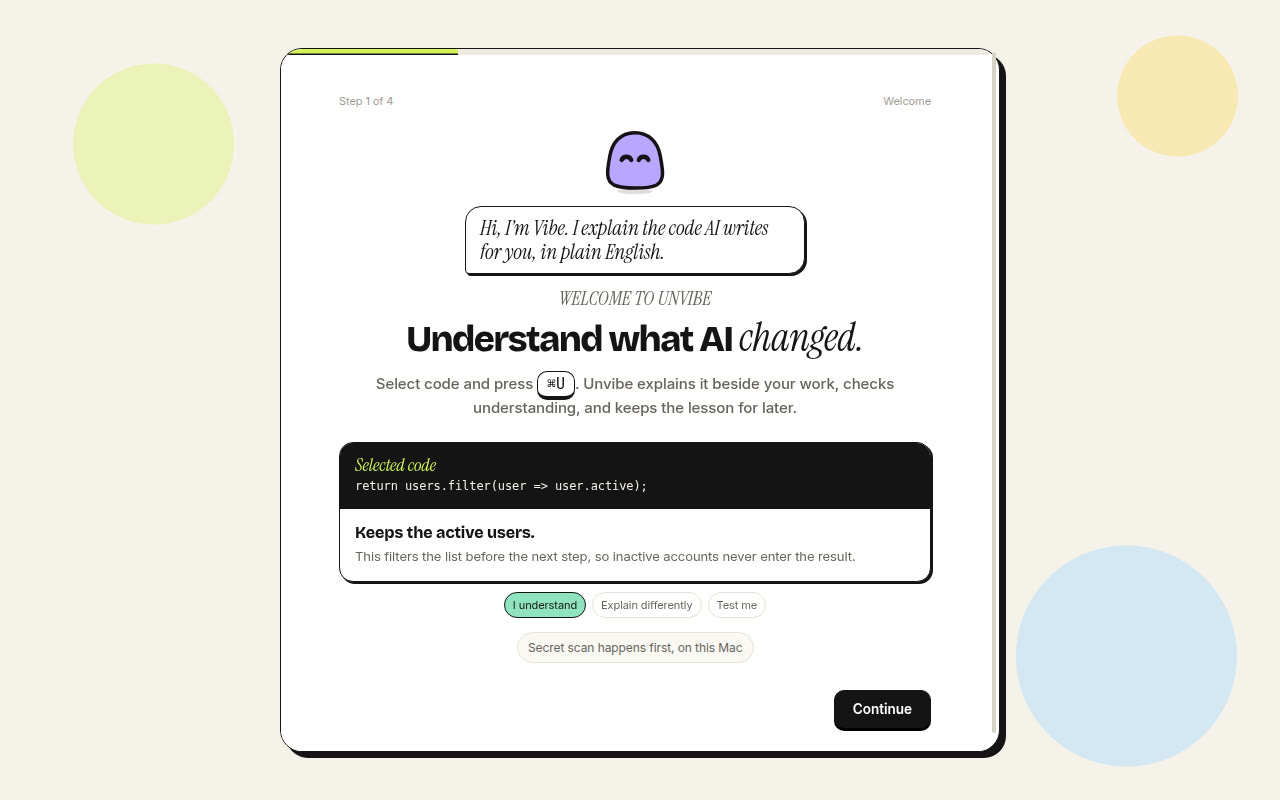
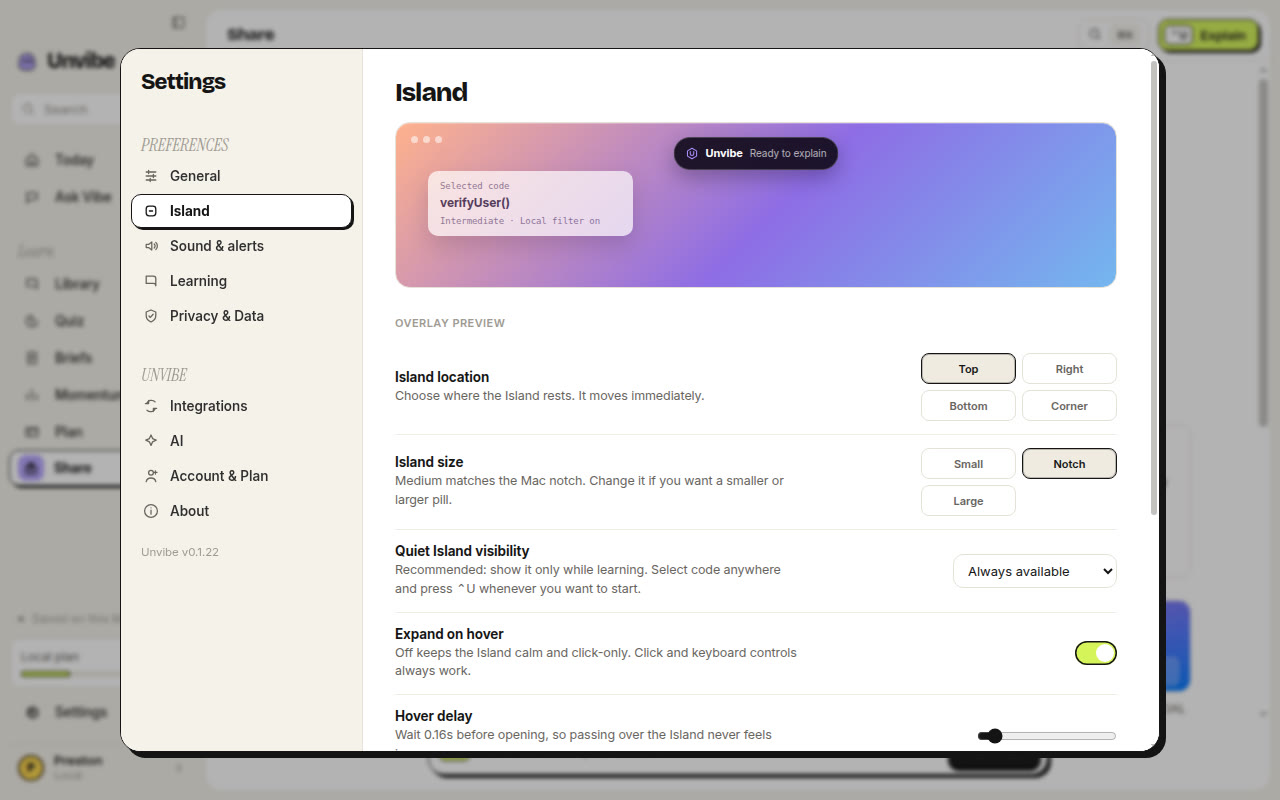
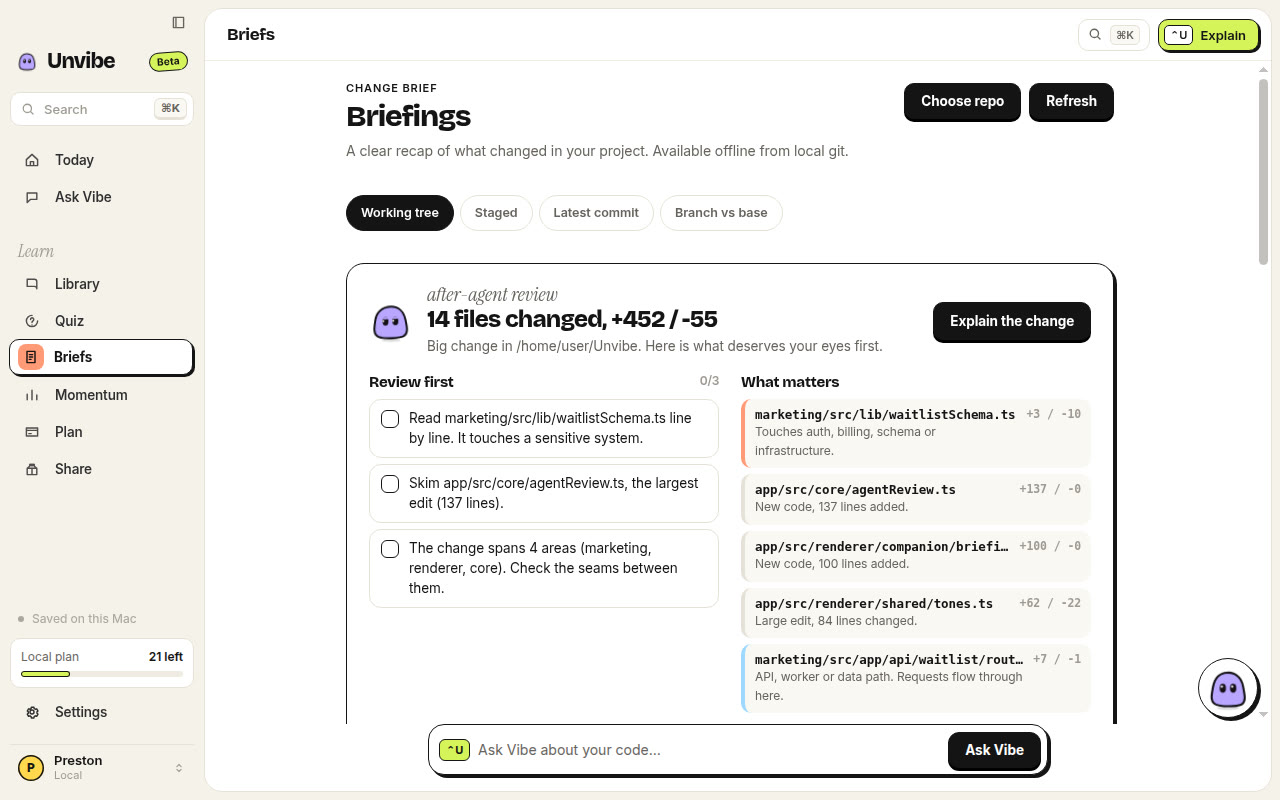
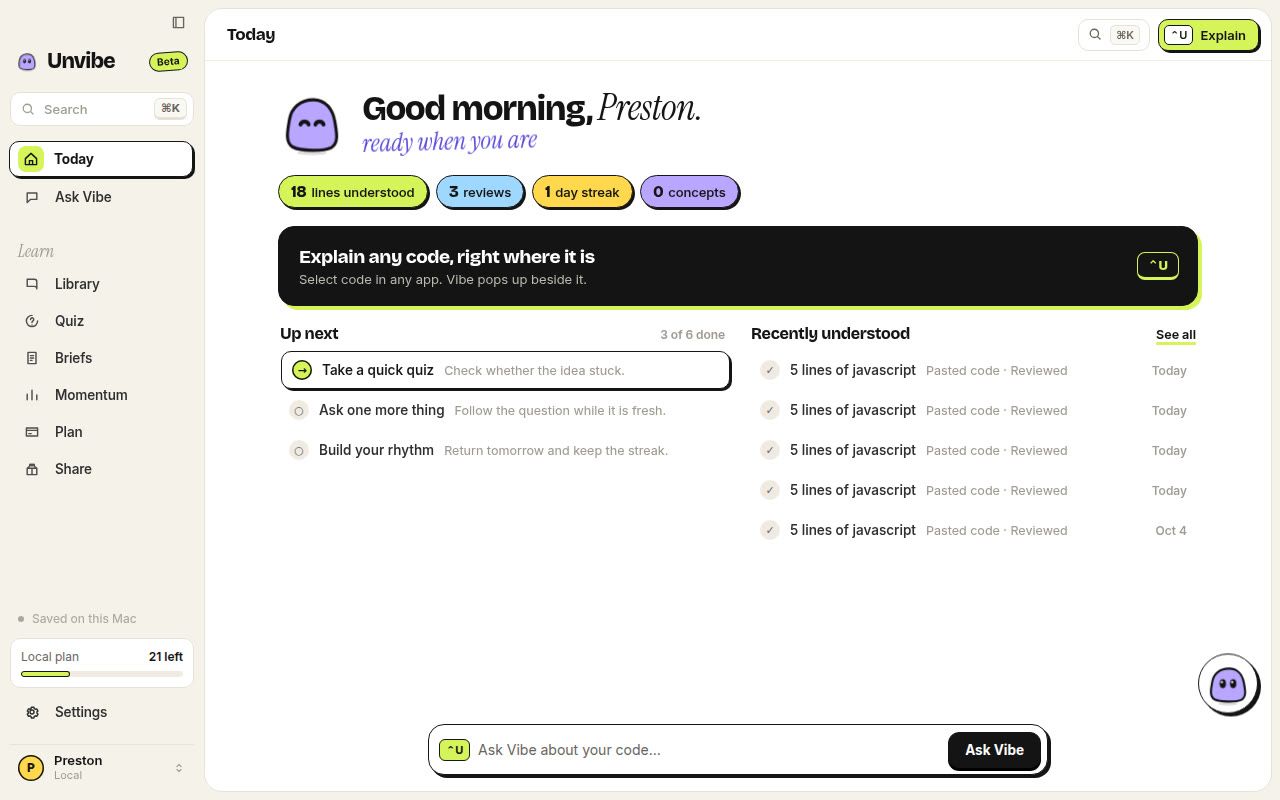
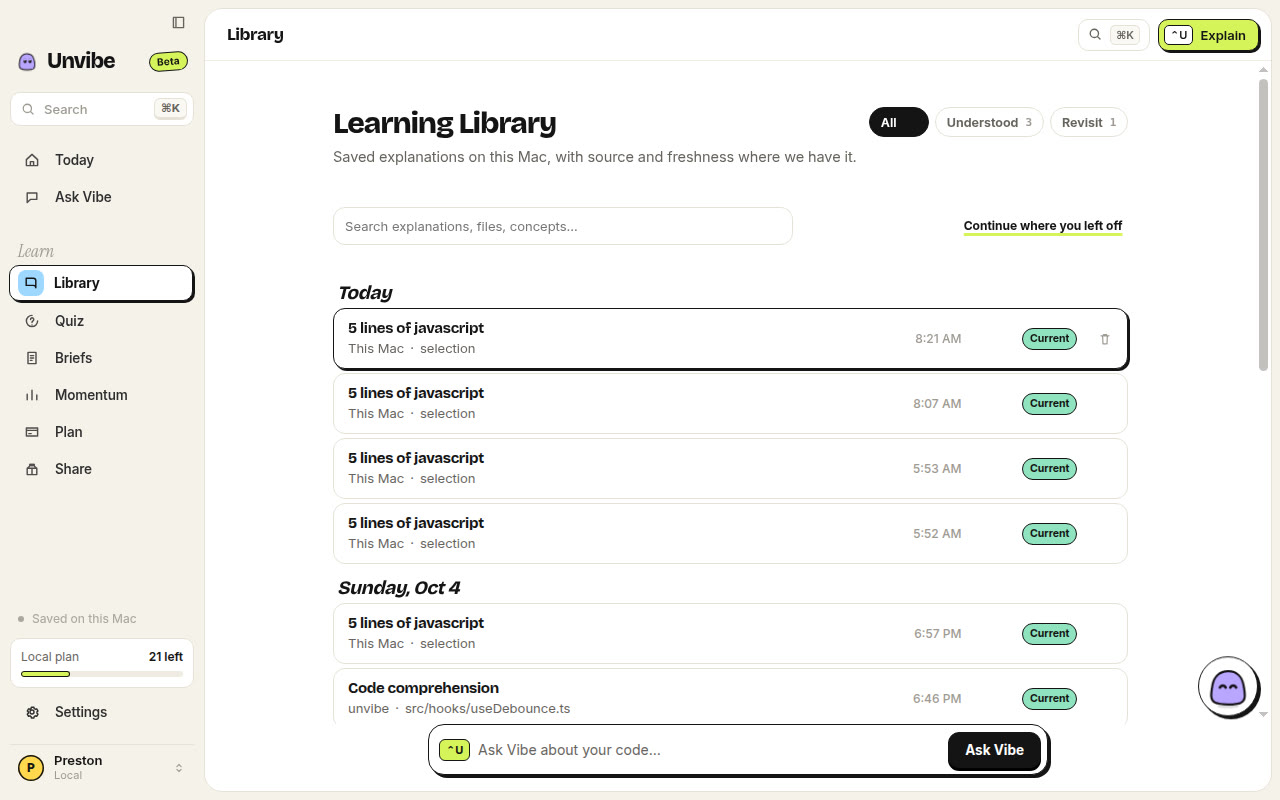
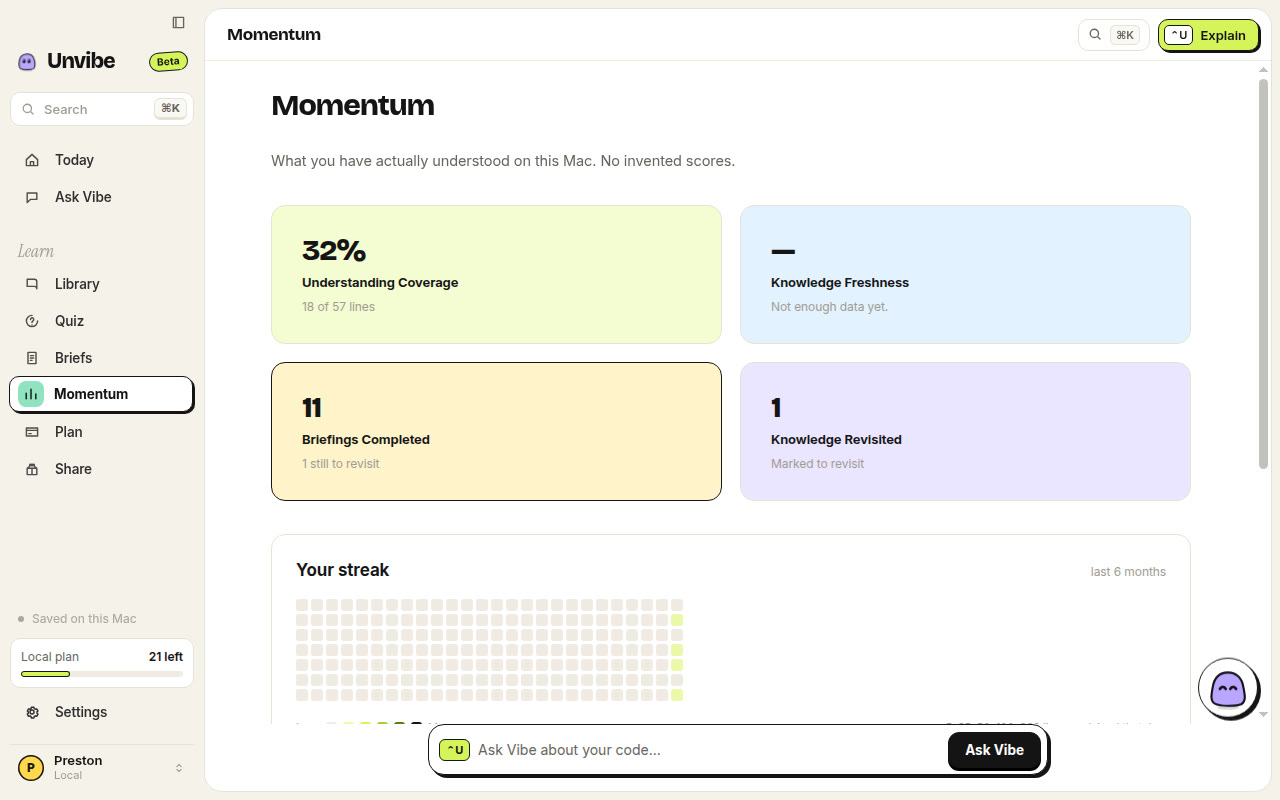
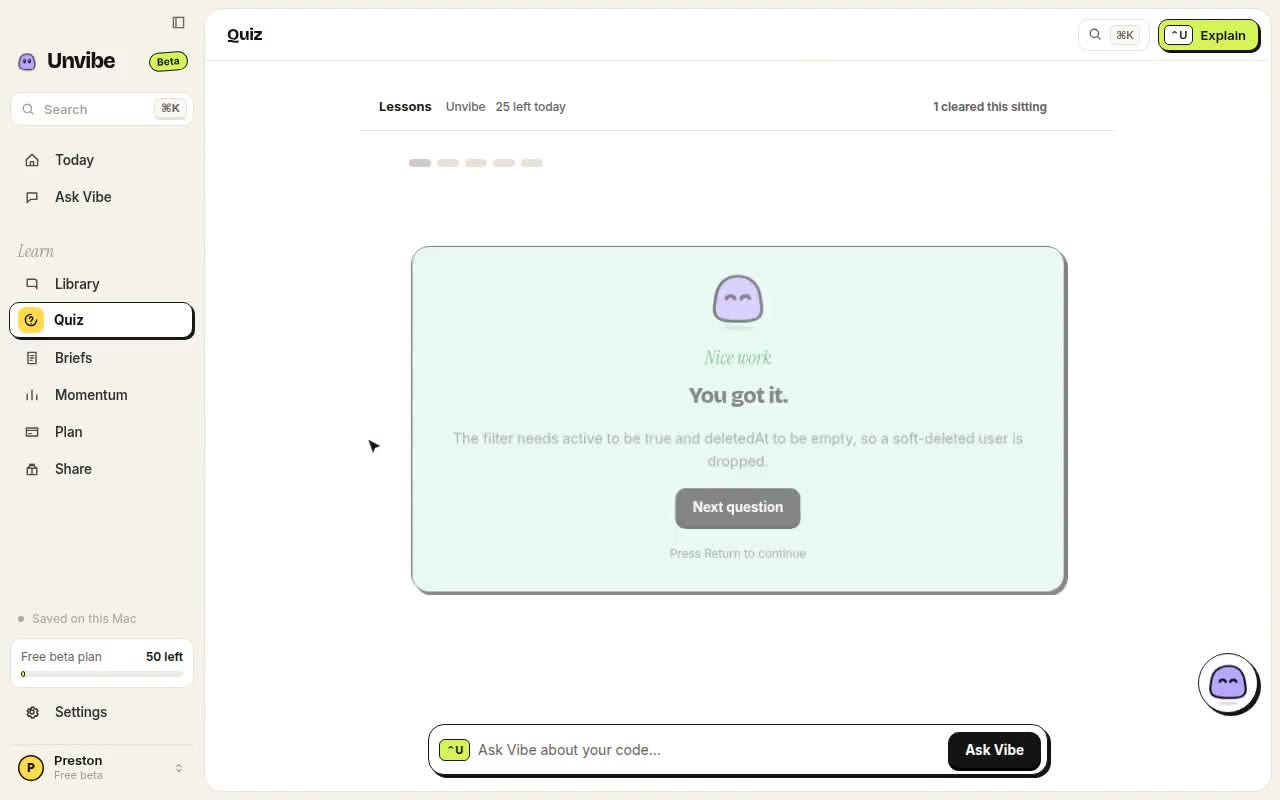
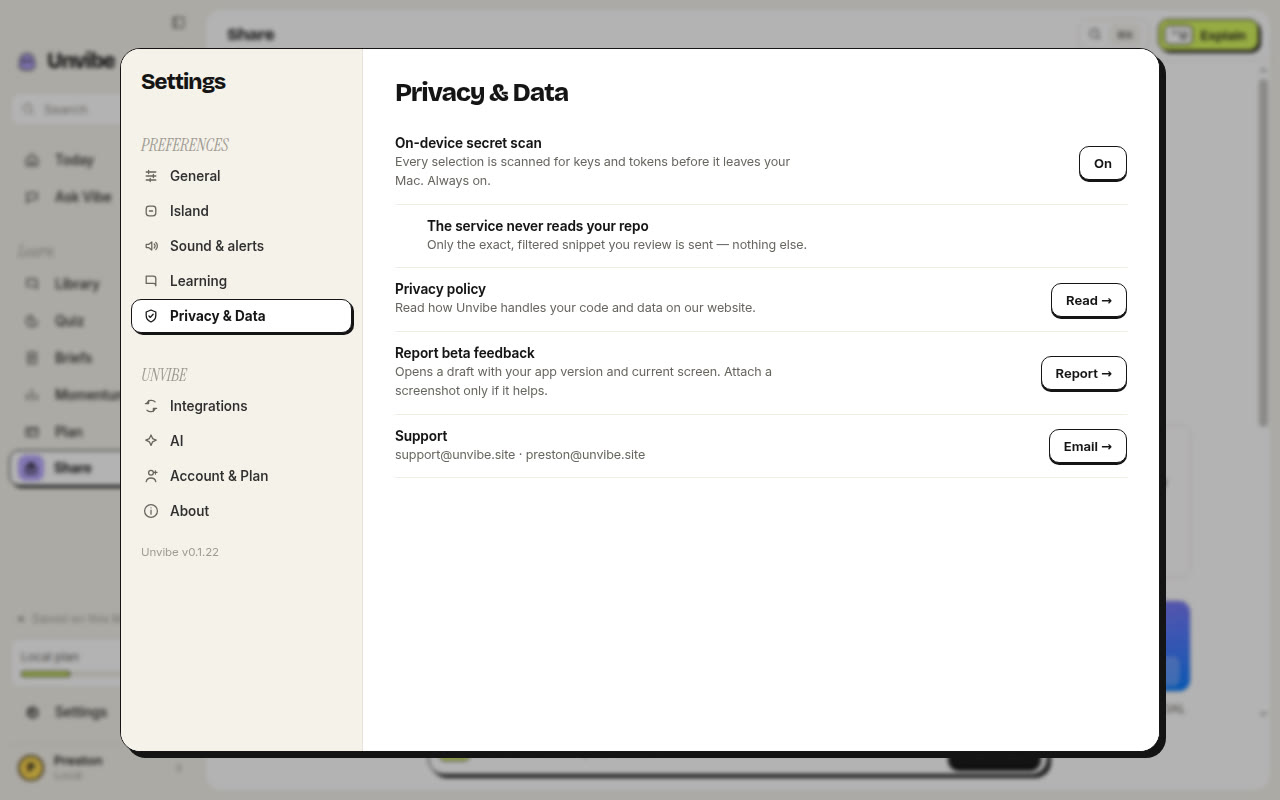
The interface was simple to navigate, the explanations were clear, and Test Me made it easy to recap what I learned.
Setup was smooth. The floating Island feels distinctive, and the explanation depth controls make learning feel genuinely tailored.
Unvibe is in Claude for Startups.
Anthropic's program for early startups: API credits, Claude Team for a year, and partner perks worth about $21.5K to $23K.
5× SmolStartup Startup of the Day
Startup credits
Itemized program support, not a funding round
Credits and subscriptions only. Not cash. Mixpanel Pro is the largest line item at $144K for one year.


The build meter hit 100 percent. Unvibe is live for Mac and Windows, with 800+ followers across Instagram, TikTok, X, and LinkedIn.
Unvibe hit #1 on Smol Startup for the day. Public badge lives in the site footer.
Program credits plus founder-reported cash now total $232,700. Includes Deepgram $1,000 (18 Aug) and Mixpanel Pro $144,000 for 1 year. Credits are not cash. Not a round.
Every release now publishes a SHA-256 checksum next to each installer, and the one line install for Mac and Windows checks the download against it before anything runs. Install help shows how to read the script and verify a file yourself. The Integrations settings tab also handles an empty editor list without going blank.
unvibe.site/about introduces Preston Susanto: the story behind Unvibe, what he has built before, the communities he leads, and how to reach him directly.
Grab your personal link and send it to a friend. When they join with it, you both get a month of Pro, up to five friends. Months stack, and land when you sign in to the app with the same email.
Mac (Apple silicon) and Windows. No API key and no credit card. Select code, press ⌘U, and keep what you ship.
v0.1.38 · Install steps and requirements